How do I share my grocery list with my partner in real time?
Two people, two lists, and the milk bought twice. Here is how to keep one grocery list alive in two phones at once, ticking itself off on both sides.
In this article
You are standing in the dairy aisle. Your partner has gone for bread at the far end of the store. You text “did you get the milk?”, they answer two minutes later, and by then the milk is already in your cart. You go home with two cartons and a spare box of pasta.
Or worse: they are the one stopping at the store on the way home from work, alone, with the photo of your list you texted at noon. Since then you have added three items to your version. They buy the old list.
The problem is not communication. The problem is that two lists exist, and no amount of texting will ever fix that. What you need is one list, open in both phones at the same time.
What is a grocery list shared in real time?
It is one list, stored in one place, that two different accounts open at the same time and both edit. Not a copy that was sent, not a screenshot, and not a password lent out.
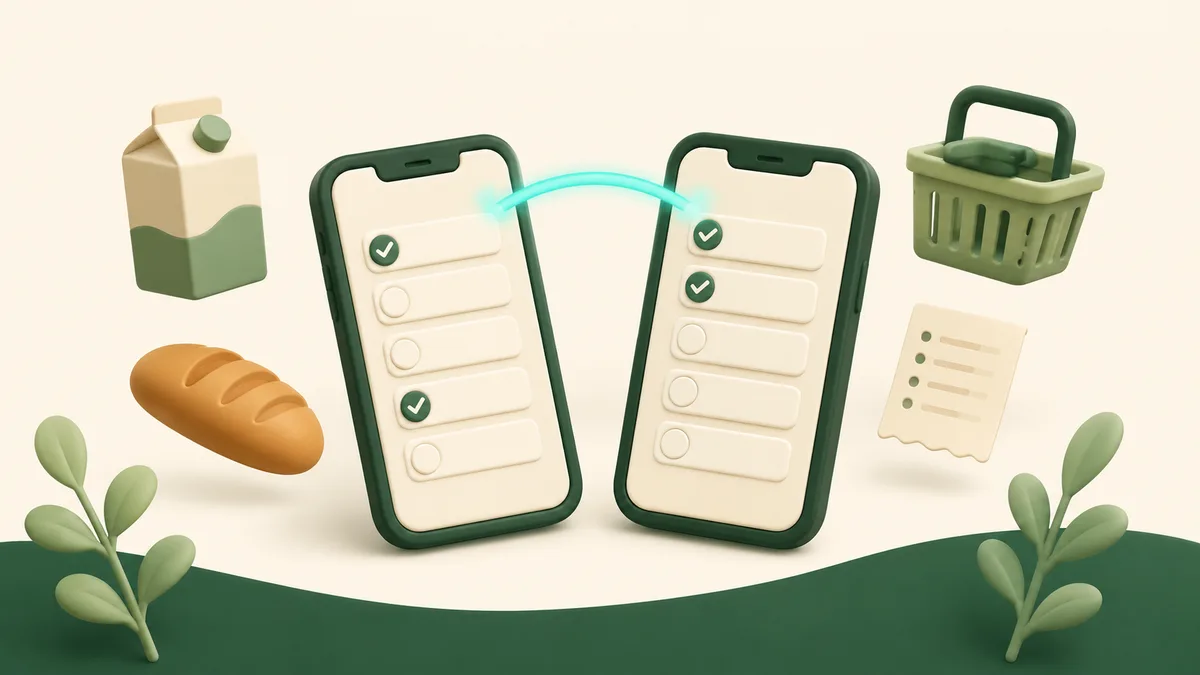
In practice: when your partner ticks off “milk” in aisle 4, the line strikes itself out on your screen within a second, with nothing to refresh. When you add “paper towels” while they are already driving over, the item shows up in their list.
Three things set that apart from a list sent by text:
- it is alive, so it cannot already be out of date by the time someone reads it;
- it is the only one, so there is no “right version” to go hunting for;
- it belongs to both people, who can each tick items off, fix a quantity, add and delete.
Other apps do not do this the same way
Genuine multi-person sharing is rarer than you would think among recipe managers, and that is the point comparison charts tend to skip over.
Paprika, excellent in most other respects, has no sharing between accounts at all: families pass one login around and all sign in on it. Plan to Eat, very strong on planning, also runs on a shared login rather than separate accounts, at around $5.95 a month or $49 a year with no permanent free plan. Copy Me That does the same. Samsung Food does offer real sharing between separate accounts, for free, but with advertising.
What Origano does differently comes down to four points:
- Two separate accounts, not a lent-out password. Each of you has your own email, your own session and your own recipes. A shared login is one session two people fight over, and the day it comes apart, nobody knows whose account it was.
- The other person does not have to pay. Only the person doing the sharing needs a Pro subscription. The other one opens a free account and sees everything.
- Updates land instantly, both ways. The list ticks itself off live on both devices while you are walking around the store.
- The list is only the end of the chain. The recipe book, the weekly menu and the list are shared together, so both people are working on the same week and not merely on the same piece of paper.
A detailed comparison with the six main competitors is on the alternatives page.
How to set it up
Give it five minutes, once. After that it never has to be done again: the share is permanent and carries over to every week that follows.
1. The person doing the sharing goes Pro
That is the only paid condition, and it applies to one of the two accounts. Pick the one that holds the recipes and generates the menu: it is their menu and their list that get shared.
2. The other person creates a free account
Sharing goes to an email address that already exists in Origano. So your partner signs up first, free and with no credit card, using the address you are about to share to. Thirty seconds.
3. Share the weekly menu
On the weekly menu, open the settings and go to the “Menu sharing” section. Give the share a name (“Home”, “Us”) and enter the other person’s email address. That is the whole step.
The grocery list follows automatically. There is no separate list sharing to switch on: the list belongs to the week, the week is shared, so the list is too. It shows up in your partner’s account under “Shared lists”, with your name beside it.
4. Share the recipe book while you are at it
On a recipe book, the share button does the same thing for the recipes: your partner sees the book inside their own account, marked “Shared by”. That is what lets both of you pull from the same collection when it is time to pick the meals.
5. At the store, with both phones open
Nothing to install. Each of you opens Origano in your phone’s browser and pulls up the week’s list. You split up at the door, one takes produce and the other takes frozen, and each of you watches items vanish as the other drops them in the cart.
What it actually changes
You can split up in the store. This is the most concrete gain and the most underrated one: two people shopping in parallel off the same list get through a grocery run in half the time, which is simply not possible when only one of you is holding the paper.
Whoever stops at the store always has the right list. There is no more version sent at noon and stale by five. What you add at 4:40 is in their phone at 4:40.
Corrections made in the store are visible at home. The quantity adjusted at the meat counter, the item deleted because there is still some in the fridge: the two versions of the list never drift apart, because there is only one.
The list is not the only shared thing. The weekly menu can be edited by both people: the partner who gets home early can change Thursday’s dinner, and a regenerated list will account for it. That is the difference between sharing a document and planning together.
What about more than two people?
Nothing limits this to a couple. Both the menu and the recipe books can be shared with several people: a family of four, roommates, a grandparent who has the kids on Tuesdays and needs to know what is planned for dinner.
Every recipient keeps their own free account, their own recipes and their own week. They see your shared menu alongside their own, and they choose which one they are looking at.
What does it cost?
Sharing is a Pro feature, and only one of the two accounts has to be subscribed. The recipient stays on the free plan, with no credit card, and still gets the shared menu, the shared list and the shared books.
Pro is $20 USD a year, about $1.67 a month, or $3 USD monthly.
Pro also unlocks the AI list cleanup, measurement conversion between metric and US cups, unlimited recipes, and automatic filing of new recipes.
No advertising, on either plan.
Where to start
- Create your account, then ask the other person to create theirs, for free.
- Build the week and generate the grocery list that goes with it.
- Share the menu to their email address, and run the test together at home the first time: tick an item off on your side and watch their screen.
That little test is worth doing before the first real shopping trip. Watching a line strike itself out on the other phone is the moment both people stop texting each other from the aisles.